Skip to main content
How to reset a Windows Application
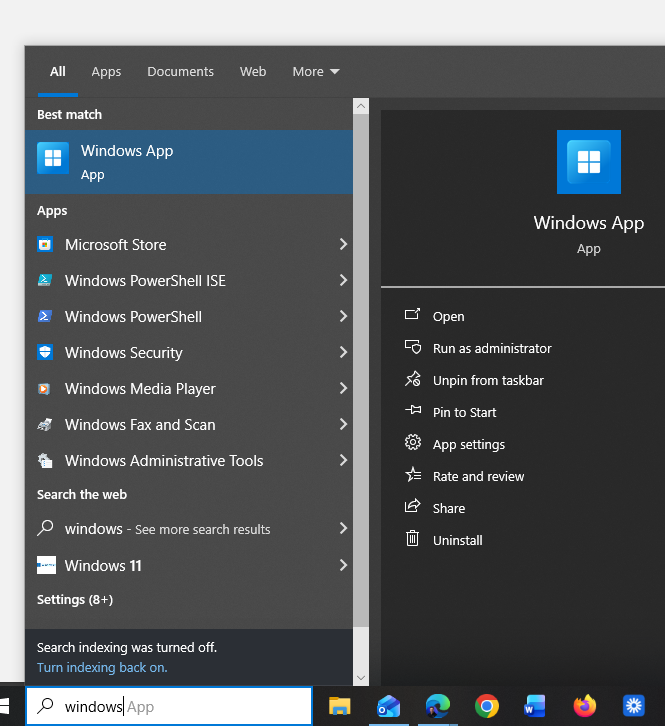
- Search the application (eg Windows App)
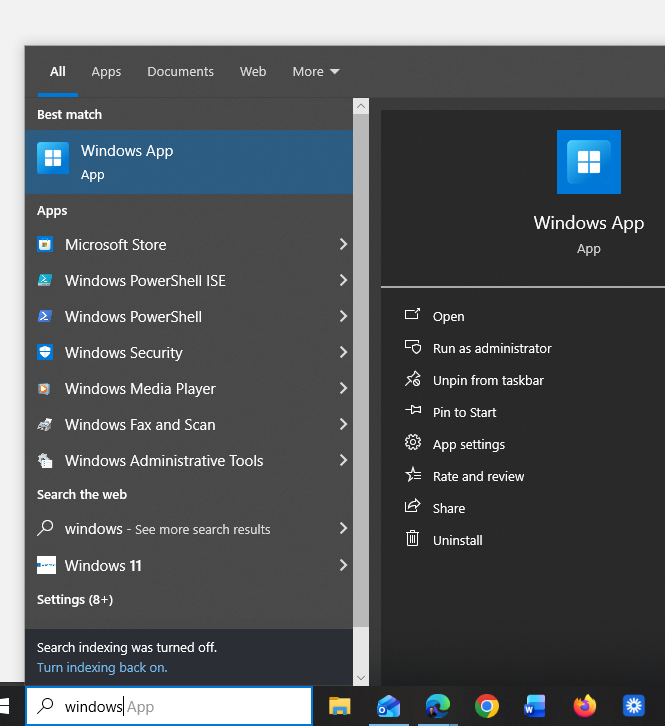
- If the menu on the right doesn't appear. Right-click on the application and select App Settings

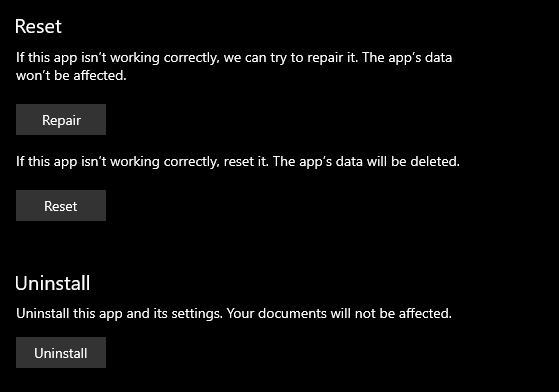
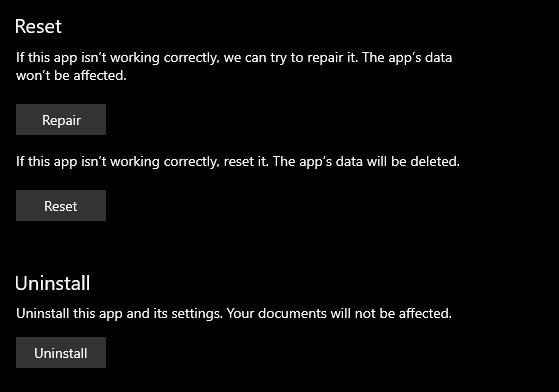
- Inside the app settings menu, scroll down untill you see the section for reset. Select the reset button to reset the app
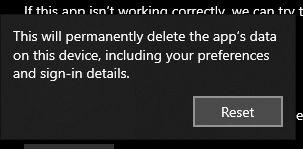
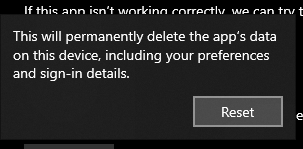
- Accept the prompt that appears
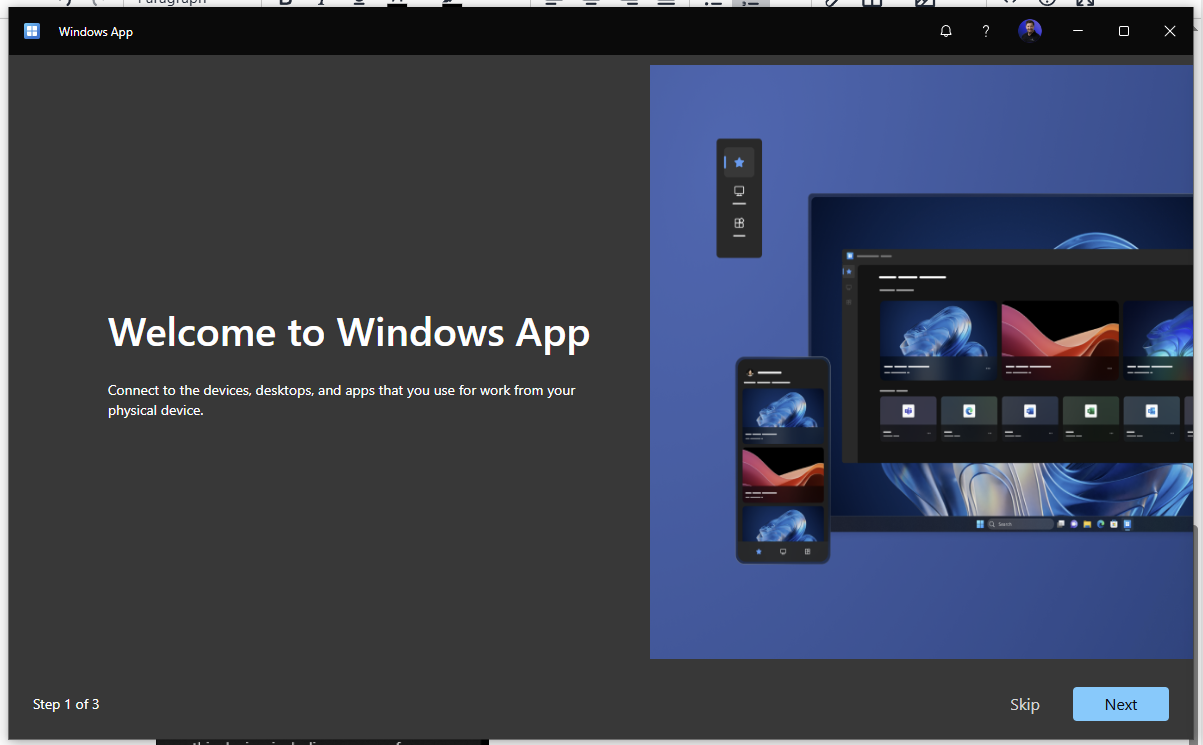
- Wait for the app to reset. Then restart the app again. You will be presented with the app reset
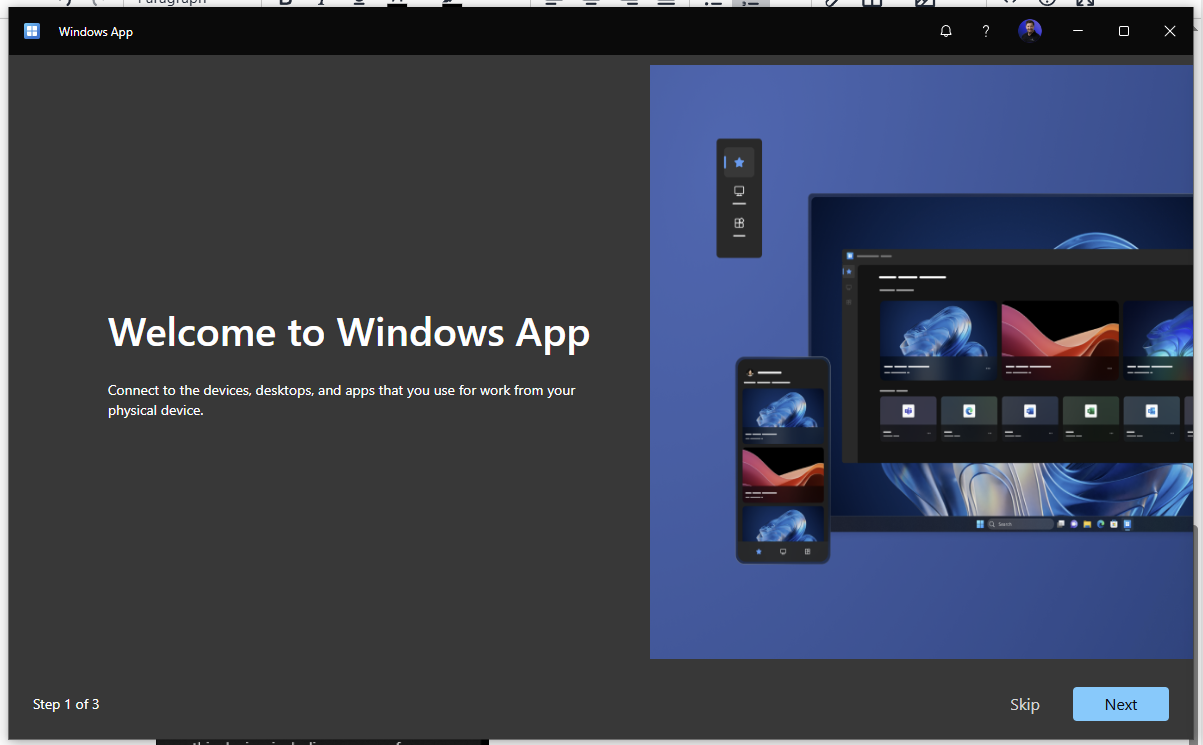
Follow the prompts to set your account back up and reconnect.