
Detach a Managed Company from MSP (Tenant-Level)
Detach a Managed Company from MSP (Tenant-Level)
Purpose
This procedure explains how to detach a company from the MSP-managed LastPass environment. Detachment converts the company into a standalone LastPass Business tenant owned by its local admin(s).
Prerequisites
-
The MSP technician must be logged into the MSP Admin Console with sufficient permissions.
-
The company must have at least one local LastPass admin assigned.
-
If no local admin exists, detachment fails with the message: “Can’t detach without admins.”
-
-
The client should be informed that detachment transfers ownership of the tenant to them. The tenant will be placed on a Business trial until billing is set up through their chosen method (Credit Card or other).
Steps
-
Open the MSP Admin Console
Sign in with appropriate credentials. -
Navigate to the Company List
Go to the Companies section to display all managed clients.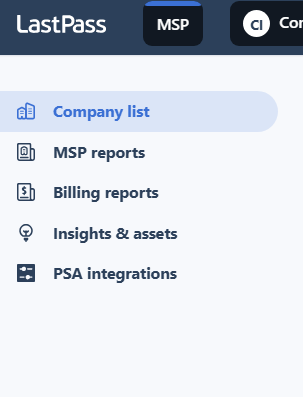
-
Select the Target Company
Locate and select the company that requires detachment. -
Initiate the Detach Action
Open the More options menu and choose Detach company.
-
Acknowledge the Warning Message
Review the confirmation dialog, which highlights the following:-
MSP access to the tenant will be removed.
-
The company will be converted to a standalone Business trial.
-
MSP technicians will lose all administrative rights.
Tick the acknowledgment box and confirm Detach.
-
-
Complete the Detachment
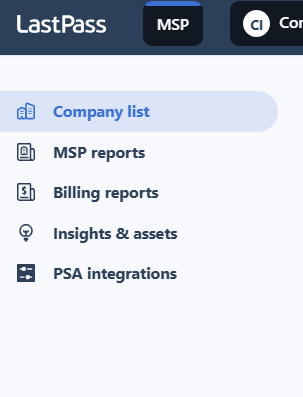
The company is removed from the MSP Console and converted into an independent Business tenant.
After Detachment
-
MSP View
-
The company no longer appears in the MSP Company list.
-
MSP administrators no longer have access to the tenant’s users, vaults, policies, or billing.
-
-
Client View
-
Local administrators can log in to their own Admin Console.
-
The company operates as a standalone Business trial tenant.
-
Client administrators are responsible for licensing, billing, and ongoing management.
-
Verification Checklist
-
The company no longer appears under MSP → Companies.
-
Local administrators can access the standalone Admin Console.
-
Users and vault data are intact within the detached tenant.