
Account Migration from Family to Business (MSP)
Purpose
Prerequisites
- Lastpass MSP setu
- The initial step is to export all the vault data from the current users in the current plan
- Create a temporary admin account in our instance (MSP Account) so that this can be given to the client for verifying that the migrated passwords are all in place
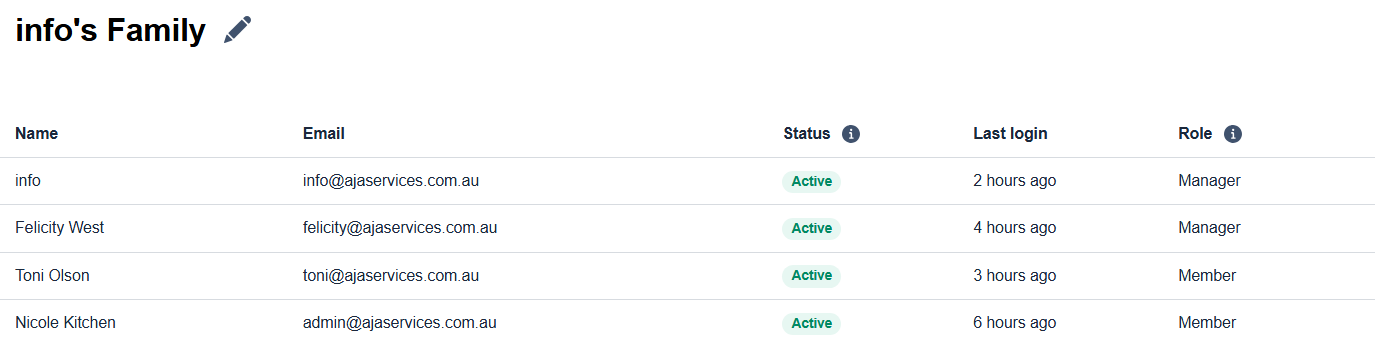
- Check the current permissions for the users and note them down.
Ex:
- Remove all users from the current plan
One user account should be assigned as an admin to remove other users.
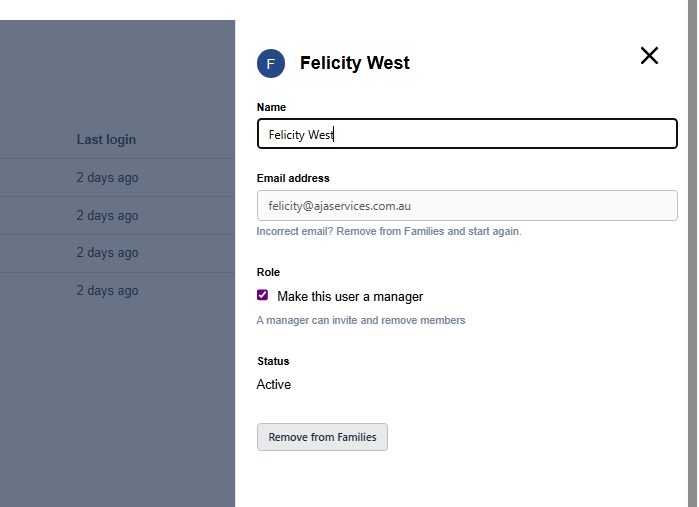
- Click on a user, and click on "Remov from Families" button
- Accept the confirmation and proceed removing the users from the current plan
- Once the removal has been done, users will get activation emails from the AD Lastpass Provisioning ( This step is done prior to the migration)